
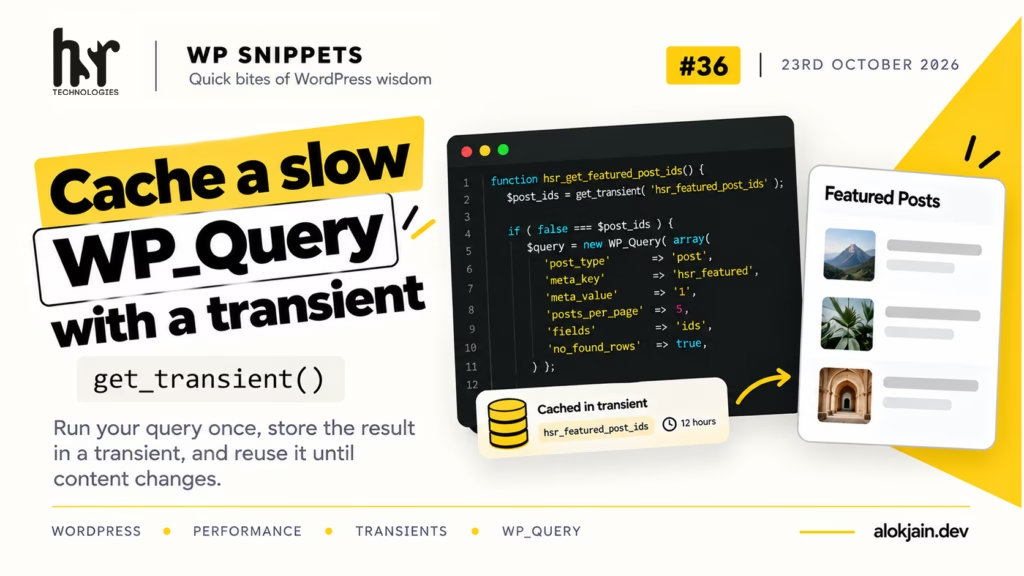
A “featured posts” block in a sidebar or footer looks harmless, but it usually runs a meta query on every page load. Meta queries are some of the slowest queries WordPress runs, and the result only changes when someone edits a post.
A transient lets you run that query once, store the result with an expiry time, and reuse it until something changes.
1. Wrap the query
function hsr_get_featured_post_ids() {
$post_ids = get_transient( 'hsr_featured_post_ids' );
if ( false === $post_ids ) {
$query = new WP_Query( array(
'post_type' => 'post',
'posts_per_page' => 5,
'meta_key' => 'hsr_featured',
'meta_value' => '1',
'fields' => 'ids',
'no_found_rows' => true,
) );
$post_ids = $query->posts;
set_transient( 'hsr_featured_post_ids', $post_ids, 12 * HOUR_IN_SECONDS );
}
return $post_ids;
}
get_transient() returns false when the transient doesn’t exist or has expired. Only then does the query run, and set_transient() stores the result for 12 hours.
I’m caching post IDs, not full post objects. IDs are tiny to store, and the slow part was finding them, not loading them.
The two extra query args each save work. 'fields' => 'ids' returns plain IDs instead of full objects, and 'no_found_rows' => true skips counting total matches, which you only need for pagination.
2. Use it in your template
<?php $featured = hsr_get_featured_post_ids(); ?>
<?php if ( $featured ) : ?>
<ul class="hsr-featured">
<?php foreach ( $featured as $post_id ) : ?>
<li>
<a href="<?php echo esc_url( get_permalink( $post_id ) ); ?>">
<?php echo esc_html( get_the_title( $post_id ) ); ?>
</a>
</li>
<?php endforeach; ?>
</ul>
<?php endif; ?>
3. Clear it when posts change
Twelve hours is a long time to show a stale list after an editor features a new post. Delete the transient whenever a post is saved:
add_action( 'save_post_post', function () {
    delete_transient( 'hsr_featured_post_ids' );
} );
save_post_post is the post-type-specific version of save_post, so it only fires for regular posts and not for pages or other post types. The next page load rebuilds the cache with fresh data.
Warning: never cache a plain false.
If your query finds nothing and you store false, get_transient() returns false on the next load too. Your code can’t tell “cached empty result” from “no cache,” so the query runs every time and the cache never helps.
In the snippet above this can’t happen, because an empty query returns an empty array, not false. Keep that in mind if you ever cache something else.
4. Check it with WP-CLI
Load any page that shows the list, then run:
wp transient get hsr_featured_post_idsYou should see the array of IDs. To force a rebuild while testing:
wp transient delete hsr_featured_post_idsIf your site has a persistent object cache like Redis, transients are stored there instead of the wp_options table. The code doesn’t change at all, it just gets faster.
That’s all for this one.
Try it: install Query Monitor, load a page with your slowest custom query, and note its time. Wrap it in a transient, reload twice, and tell me the before and after numbers.