
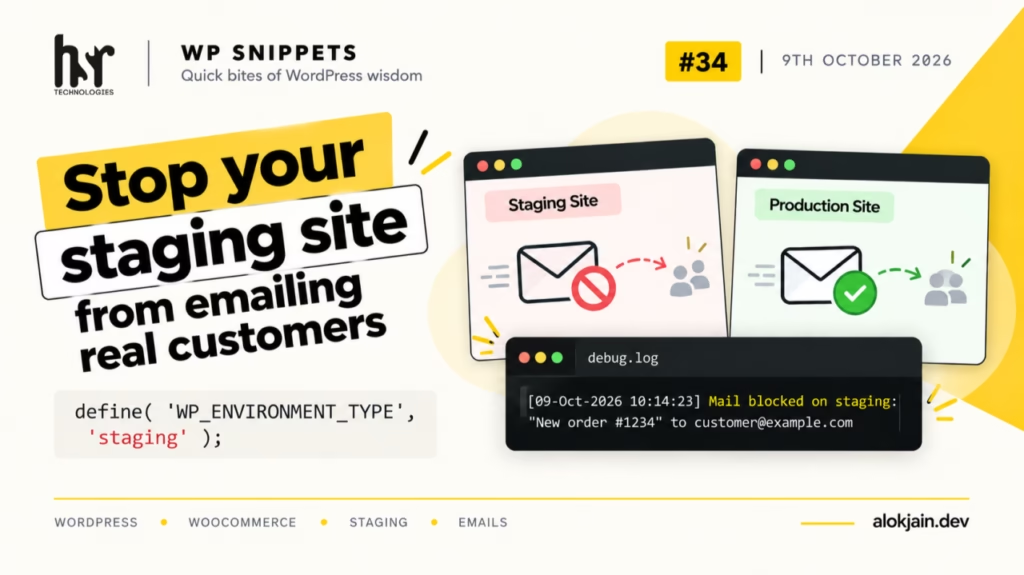
When you copy a live database to staging, you copy every customer email address with it. Then a cron job runs, a WooCommerce order gets resent while you’re testing, or a form plugin fires a notification, and a real person gets an email from your staging site.
WordPress 5.5 added a clean way to tell a site which environment it’s running in. Once the site knows it’s staging, you can block outgoing mail there and leave production alone.
1. Set the environment in wp-config.php
On the staging server, add this to wp-config.php above the “That’s all, stop editing!” line:
define( 'WP_ENVIRONMENT_TYPE', 'staging' );The accepted values are local, development, staging and production. If the constant isn’t set, or is set to anything else, WordPress treats the site as production.
Because this lives in wp-config.php and not in the database, it survives every database copy. That’s the whole reason to use it over an option or a setting.
2. Block mail outside production
Save this as wp-content/mu-plugins/block-staging-mail.php (create the mu-plugins folder if it doesn’t exist):
<?php
/**
 * Plugin Name: Block Mail Outside Production
 */

add_filter( 'pre_wp_mail', function ( $return, $atts ) {
    if ( 'production' === wp_get_environment_type() ) {
        return $return;
    }

    $to = is_array( $atts['to'] ) ? implode( ', ', $atts['to'] ) : $atts['to'];

    error_log( sprintf(
        'Mail blocked on %s: "%s" to %s',
        wp_get_environment_type(),
        $atts['subject'],
        $to
    ) );

    return true;
}, 10, 2 );
pre_wp_mail runs before wp_mail() does any work. If the filter returns anything other than null, WordPress skips sending and uses that value as the result.
Returning true tells the calling plugin the mail went out fine. On staging that’s what you want, so contact forms and checkouts don’t show “email failed” errors while you test.
I put this in a must-use plugin rather than the theme so it keeps working if someone switches themes on staging, and nobody can deactivate it from the Plugins screen.
3. Test it with WP-CLI
Confirm the environment first:
wp eval 'echo wp_get_environment_type();'Then send a test mail:
wp eval 'wp_mail( "you@example.com", "Staging test", "Hello from staging" );'Nothing should arrive, and debug.log should have a “Mail blocked on staging” line (this needs WP_DEBUG and WP_DEBUG_LOG set to true).
Warning: this only catches mail sent through wp_mail().
Most plugins use it, including SMTP plugins, which hook in further down and never get reached.
A plugin that talks directly to an email service’s API (some newsletter and transactional mail plugins do this) bypasses wp_mail() completely. For those, check the plugin’s own settings for a test or sandbox mode.
That’s all for this one.
Try it: add the constant to your staging site, drop in the mu-plugin, then place a test order or submit a form. Check debug.log and tell me which plugin’s email showed up first.